MINUT TASKS

Beta
Put your operations 
on autopilot

Provide the best guest experience, every time. With Minut Tasks, you can create, assign, and manage the tasks that keep your properties running smoothly.

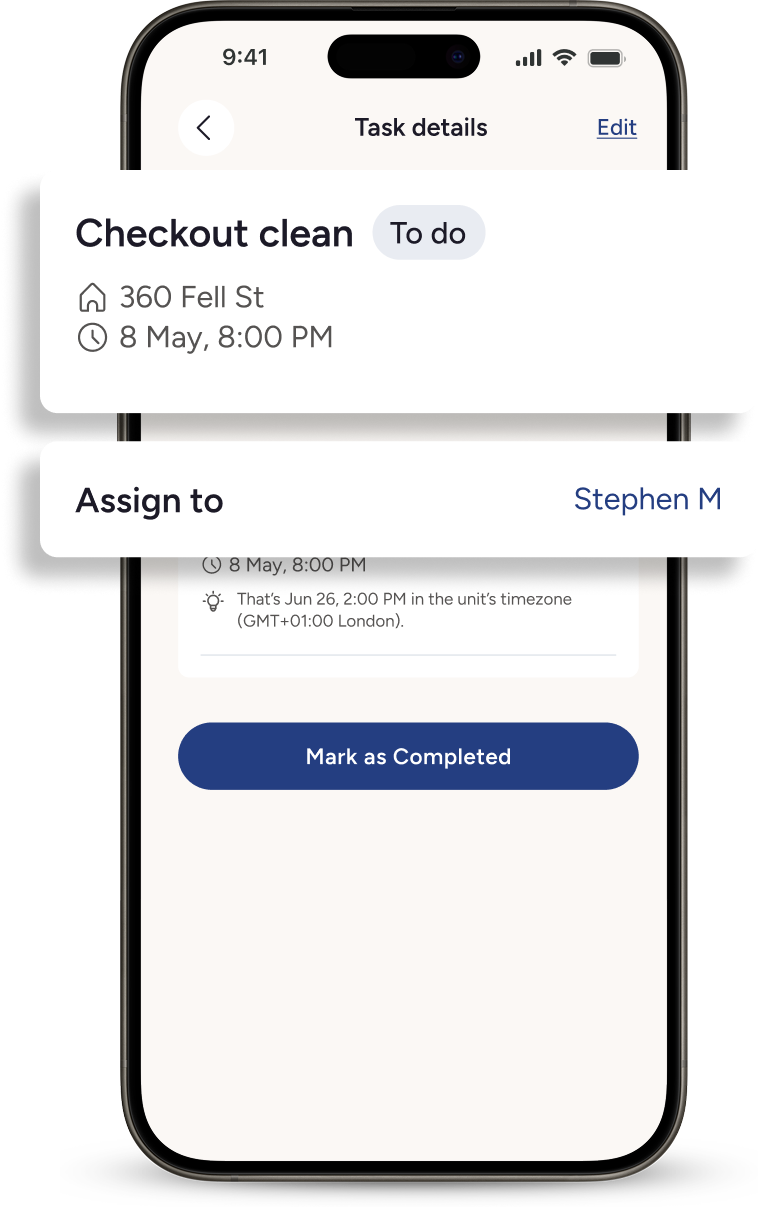
Woman in beige outfit pulling a black carry-on suitcase while entering a room with wooden doors and mirrored closet.Mobile screen showing task details for 'Checkout clean' scheduled at 360 Fell St on May 8, 8:00 PM, assigned to Stephen M with option to mark as completed.

Repetitive work, handled for you

Create tasks manually, from templates, or automatically using schedules and sensor data
See the completion status of tasks for each unit and every team member

Ensure each job is completed on time and to the quality that your guests expect
Standardize your workflows, whether you have one property or a portfolio of hundreds

Control, at your fingertips

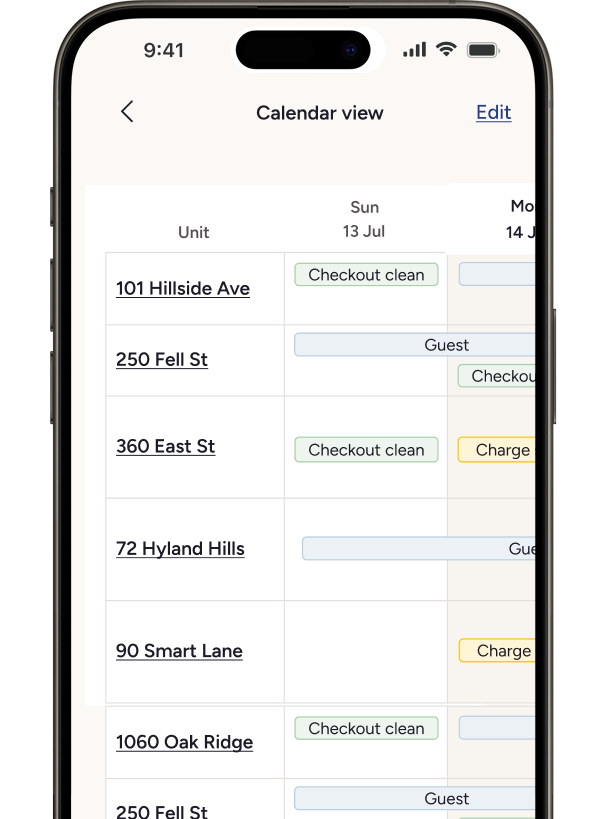
Computer screen showing a task management calendar with scheduled tasks like checkout clean, guest visits, change sensor, and pool maintenance across multiple properties from July 13 to 19.
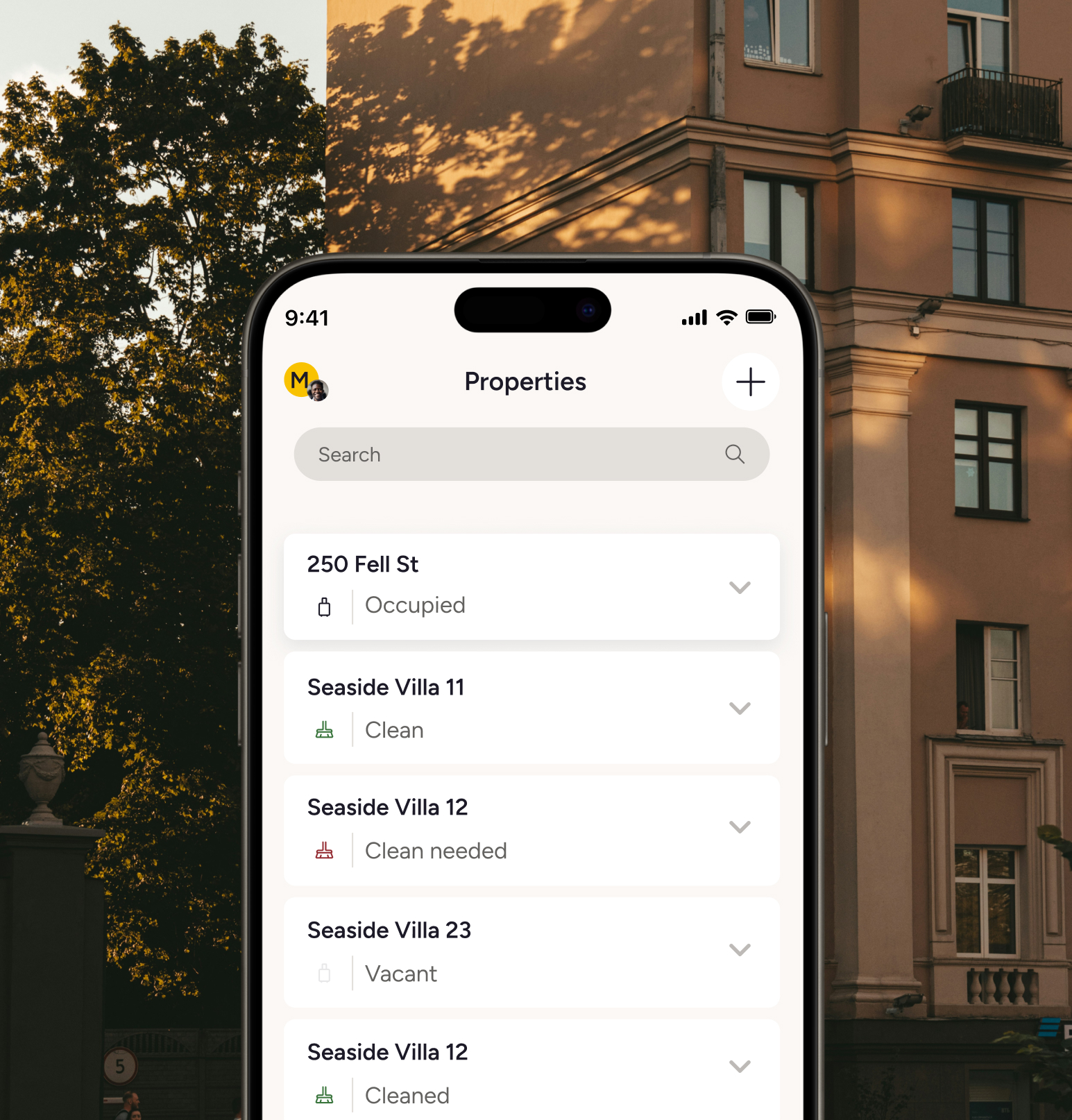
Mobile app screen displaying a list of properties with their status such as Occupied, Clean, Clean needed, Vacant, and Cleaned.
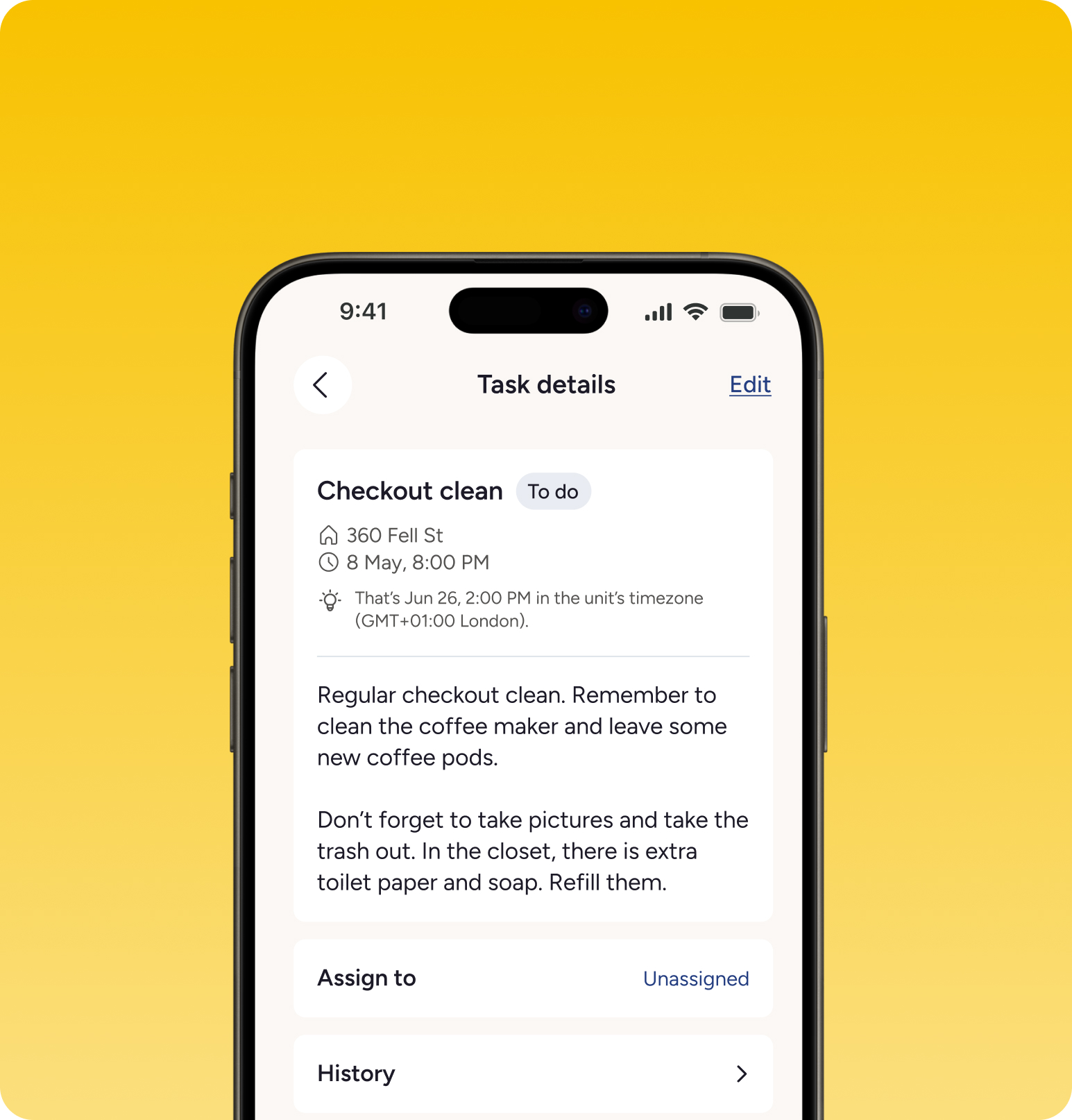
Smartphone screen showing task details for 'Checkout clean' scheduled at 360 Fell St on May 8, 8:00 PM, with instructions to clean coffee maker, leave new coffee pods, take pictures, take out trash, and refill toilet paper and soap in the closet.
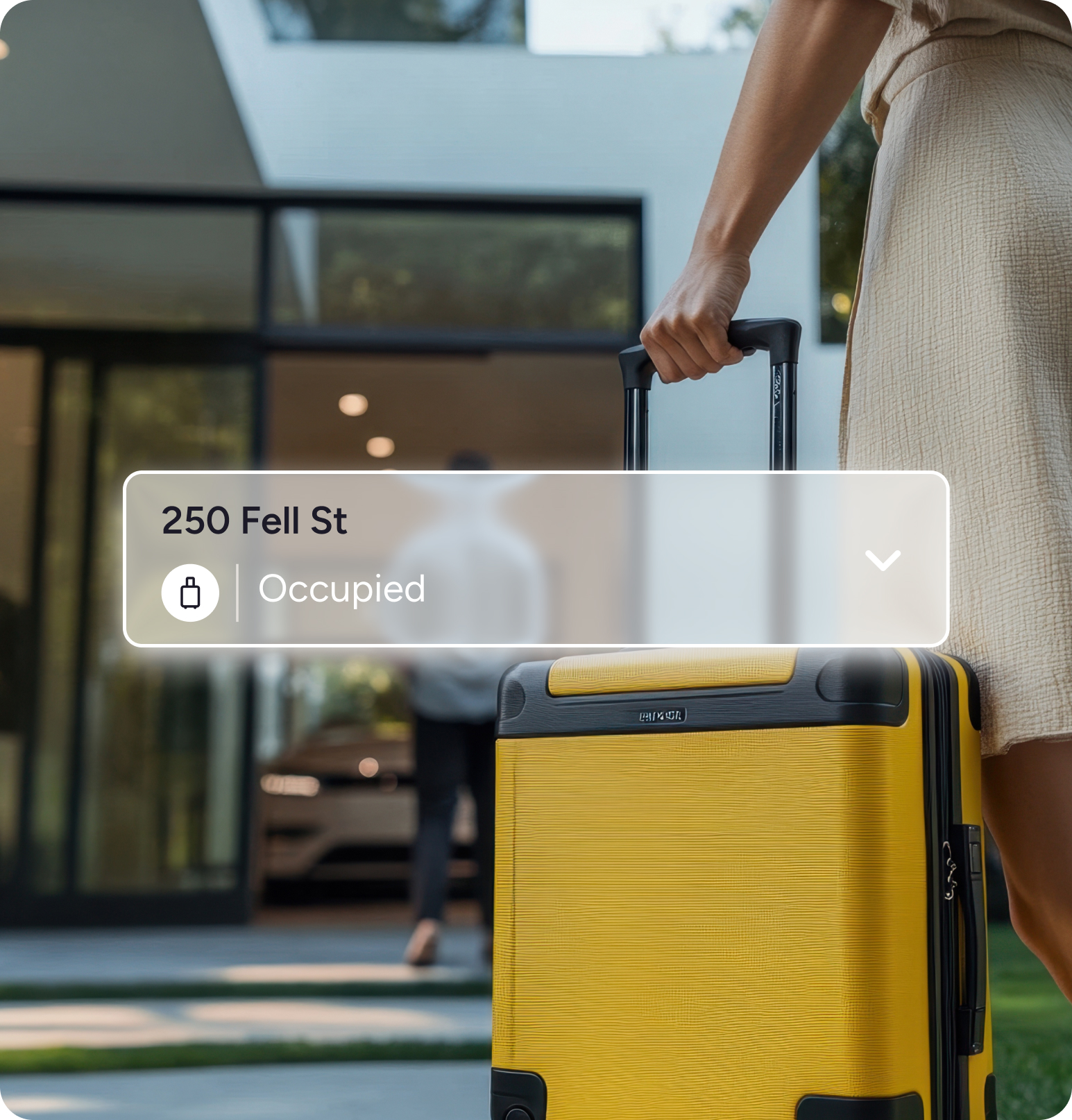
Person holding the handle of a yellow suitcase outside a modern house with a person walking toward the entrance, with an overlay showing '250 Fell St' and 'Occupied' status.
Organized operations

Keep everything running smoothly, from recurring maintenance to unexpected fixes. Create and assign tasks in seconds, see them all on a central calendar, and use task history to identify where your processes can run more efficiently.

Unparalleled visibility

Instantly check the status of each unit, so you know if a guest can check-in early or if a last-minute booking can be accepted. Manage changeovers, see if a repair has been completed, and even use Minut’s sensor motion data to track how long the cleaners have taken.

Create and monitor all your tasks in one place

Ditch the headaches of juggling Excel spreadsheets, WhatsApp chats, and workflows spread across multiple disconnected platforms. With Tasks, you have one dashboard that contains all of your units, team members, and jobs.

Consistency at its core

Use templates and checklists to maintain quality and consistency. It’ll no longer be a guessing game to find out if repeating tasks are being completed week after week.

The background operator for proactive property management

Review a list of tasks that your team is working on at any time
Never lose track of what’s due, from the routine to the unexpected
Automate cleaning tasks based on check-out time
Auto-create tasks based on Minut events for your team to act on
Man wearing glasses and a denim shirt working thoughtfully on a laptop at a wooden table with a black coffee cup nearby.Janitor in gray uniform and yellow gloves pressing the elevator button next to a cleaning cart with supplies in a modern building.Woman in beige outfit pulling a black carry-on suitcase while entering a room with wooden doors and mirrored closet.

M3 Sensor

Only Minut connects real-world property activity with task management. If you have an active Minut sensor, you can use real-time data to trigger tasks and verify task completion through motion data.

Find out more
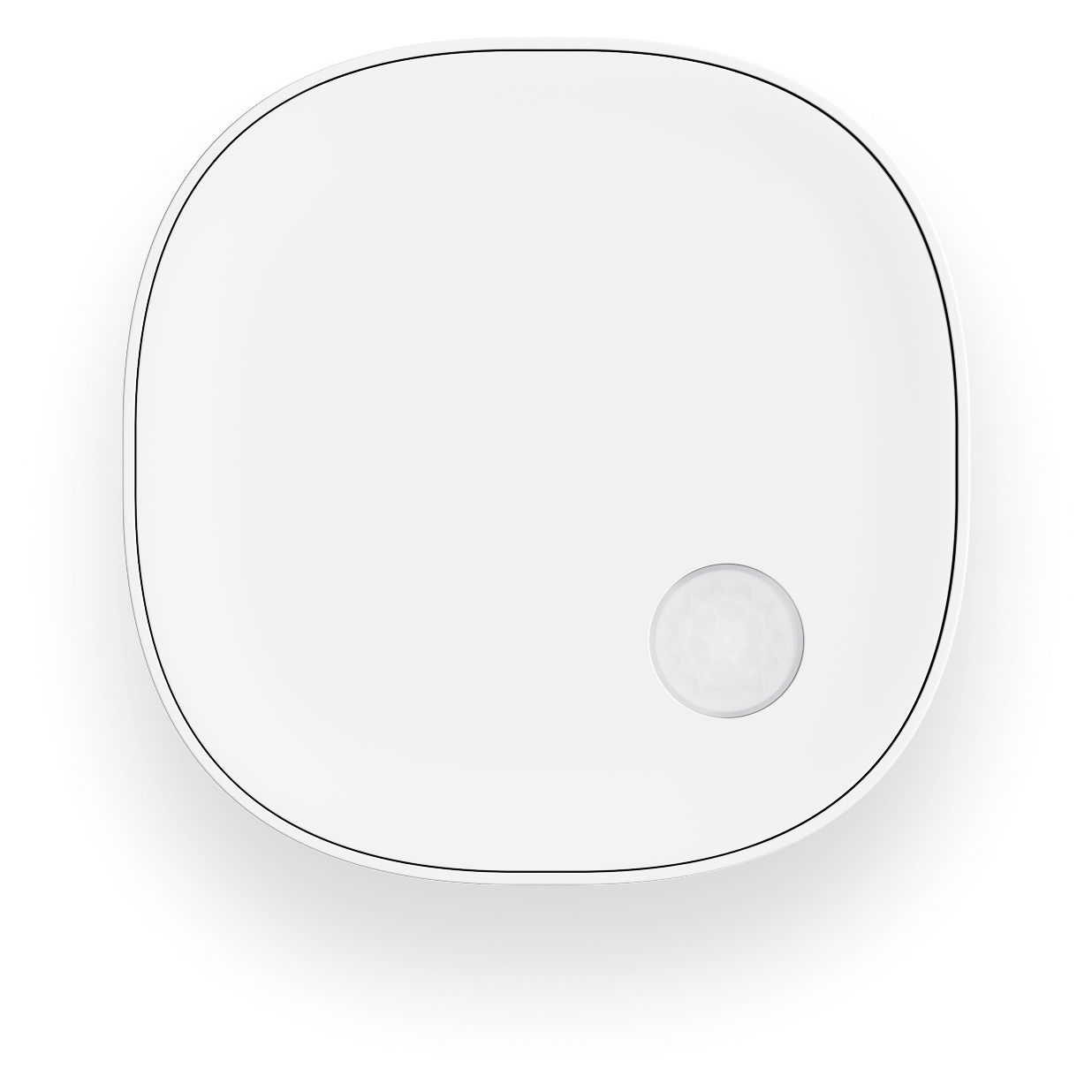
White square sensor device with rounded corners and a circular textured sensor near the bottom right.

Frequently asked questions

How much does Minut Tasks cost?

While Tasks is a beta product, anyone can sign up and try for free.

If you’re already on Minut’s Standard, Pro, or Pro+ plans, you can find Minut Tasks in our app.

Do I need a Minut sensor to use Tasks?

No, Tasks can be used without a Minut sensor. If you do have a sensor, you can use its data to create automations and access and task verification features.

Does Tasks require a separate app?

Tasks is integrated into the Minut app, so you won’t need to download anything else if you already have the app. If you aren’t already using Minut, you’ll need to download our app.