Making the most of your (new!) portfolio analytics dashboard
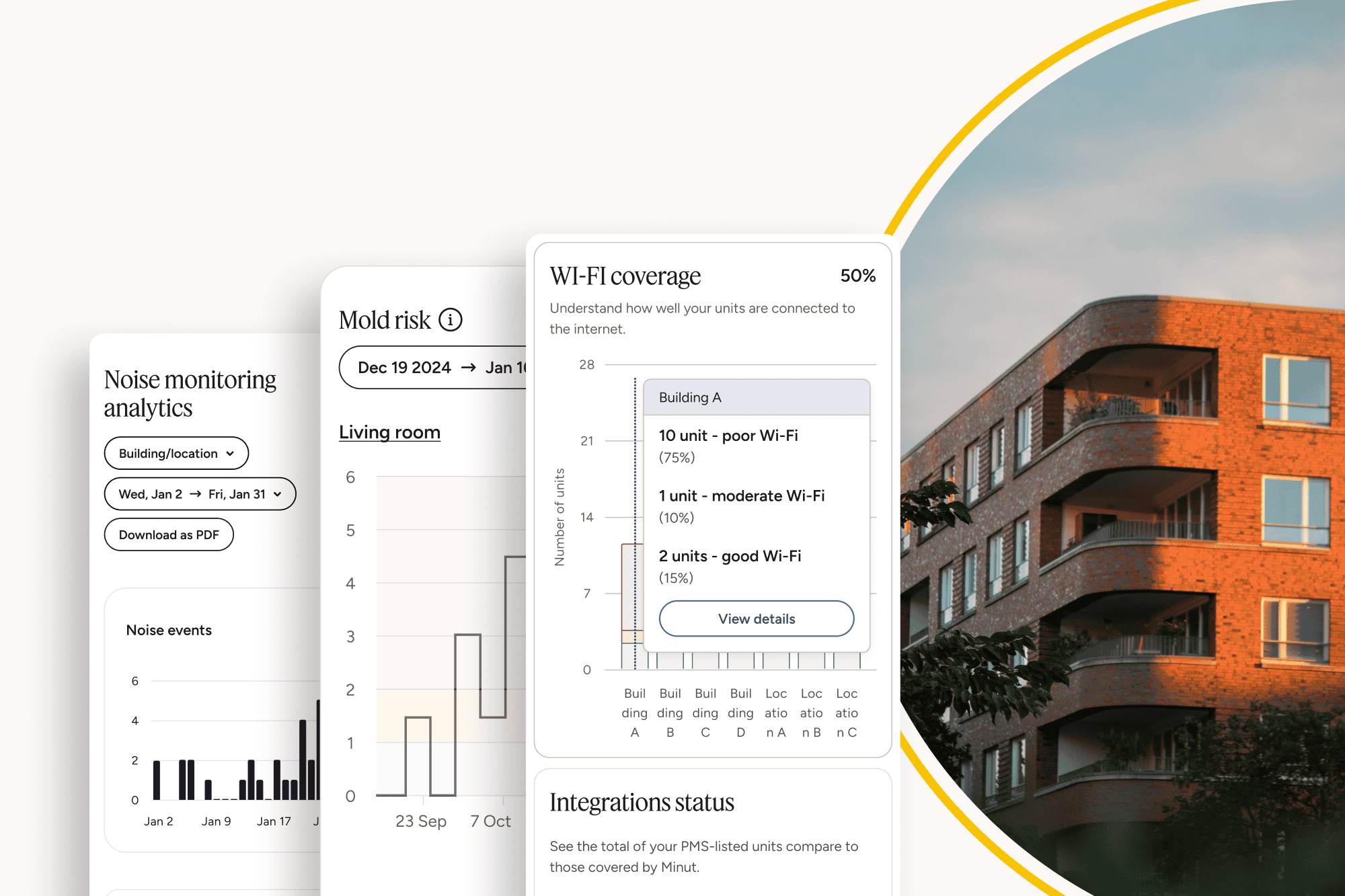
Get a clear view of device coverage, WiFi health, and integrations. Minut’s new Portfolio Analytics dashboard helps you fix issues fast and maximize portfolio ROI.
Managing dozens (or even hundreds) of properties comes with a long to-do list. You’re balancing occupancy schedules, maintenance needs, guest communications, and more. In the middle of that, it’s easy to miss technical issues that quietly reduce the value you get from Minut.
That’s where the new Portfolio Analytics page comes in. It’s designed to give you a simple overview of the health of your Minut fleet and the connected infrastructure that powers it. This means less time spent hunting down problems and more time making informed decisions, fast.
Here’s a breakdown of what you’ll see, and why it matters.
Get a clear view of your device coverage
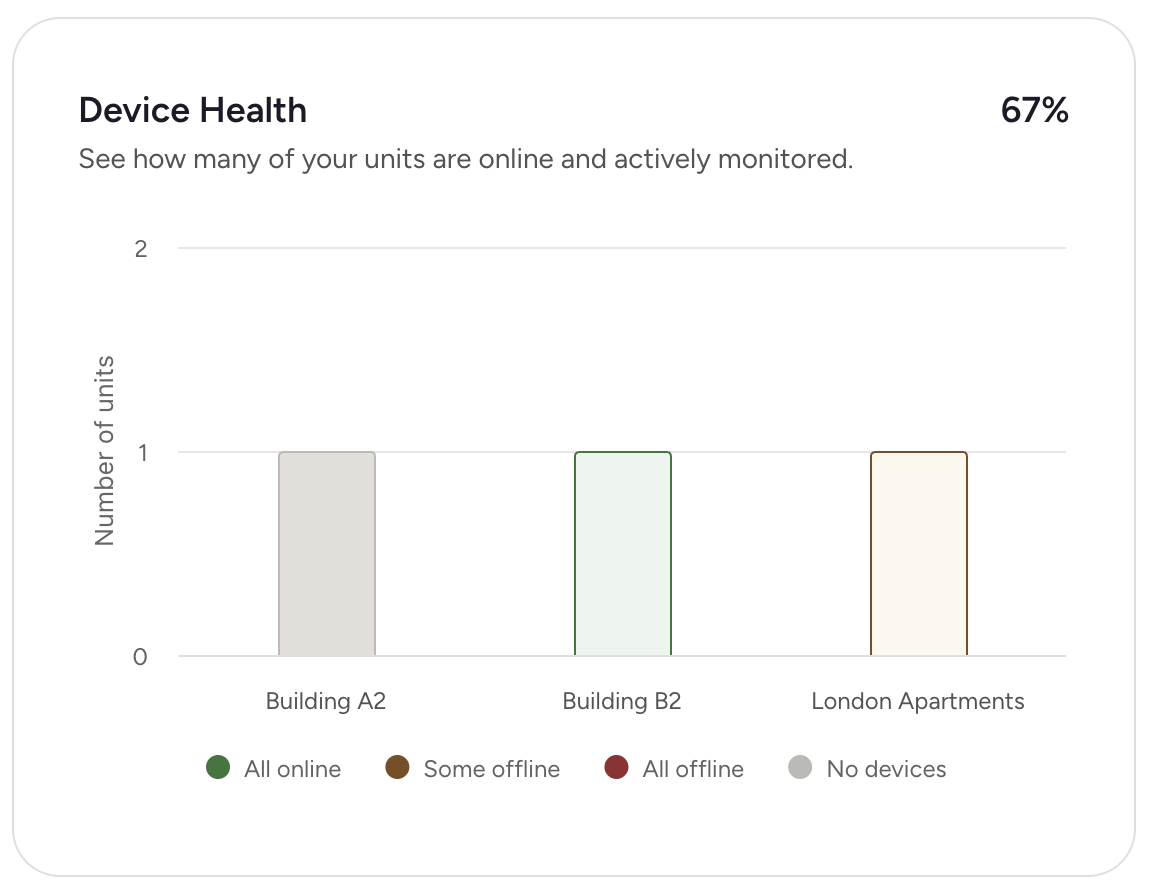
Your devices are only helpful if they’re active and reporting. On the analytics page, you’ll see a breakdown of your portfolio into three categories:
Monitored units: Active devices that are online and charged.
Unmonitored units: Devices that might be offline, low on battery, or disconnected.
Deviceless units: Properties with no device installed at all.
This view is especially helpful when planning charging visits. If you’ve ever arrived at a property only to realize the device isn’t there, or the timing doesn’t work with guest schedules, you’re not alone.
Our new dashboard gives you floor-level breakdowns within each building, helping you batch visits more efficiently—whether you're charging, swapping, or installing devices. This means fewer disruptions and more streamlined operations, especially in larger properties.
It also helps you spot wasted potential. If you’re paying for a service but don’t have a device installed in a unit, that’s an easy fix with a clear ROI.
Check WiFi quality before your guests complain
A device is only as good as its connection. Poor WiFi can make units unmonitored — not because the device is off, but because it can’t communicate. Portfolio Analytics shows you the WiFi health of your entire fleet, letting you pinpoint which units need attention.
This is useful in two ways:
You can fix connectivity issues proactively, instead of hearing about it from a frustrated guest or during a device failure.
You can avoid false positives in your monitoring breakdown. Sometimes a unit marked as “unmonitored” isn’t due to power or device status — it’s the WiFi. Now, you can tell the difference.
Better WiFi means better reliability and more accurate data. That translates directly into smoother operations.
Spot broken or missing integrations in seconds
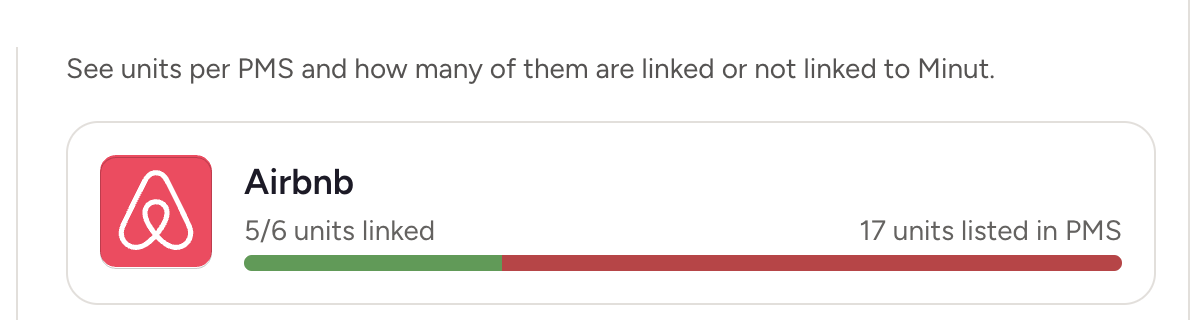
Many property managers connect Minut to their PMS to unlock automated messages, smart thermostat controls, and stay-based automation. But if some units aren’t linked properly (or at all) those benefits don’t reach your whole portfolio.
The analytics page highlights two things:
Whether a property is linked to an integration
Whether the integration is working as expected
This lets you catch connection gaps early. Maybe a new unit was added but never linked. Or maybe an integration was broken during a platform update. Either way, you get a clear signal that something needs attention.
When your integrations are fully set up, you get more value with less manual work. Portfolio Analytics helps ensure you’re not leaving any of that value on the table.
Stay one step ahead with Minut
Portfolio Analytics isn’t about adding more data to your plate. It’s about pulling the right information into one place so you can act faster and smarter. If a unit needs charging, you’ll know. If WiFi is weak, you’ll see it. If something isn’t linked, it’s clear.
There’s no need to reconfigure how you manage your properties. This new dashboard simply helps you fine-tune what’s already in motion, with minimal friction.









.jpg)