Is someone else installing the device?
Ensure they have Owner, Admin or Member level user access to the unit.
Not sure where to install your sensor? Scroll down for device placement tips.
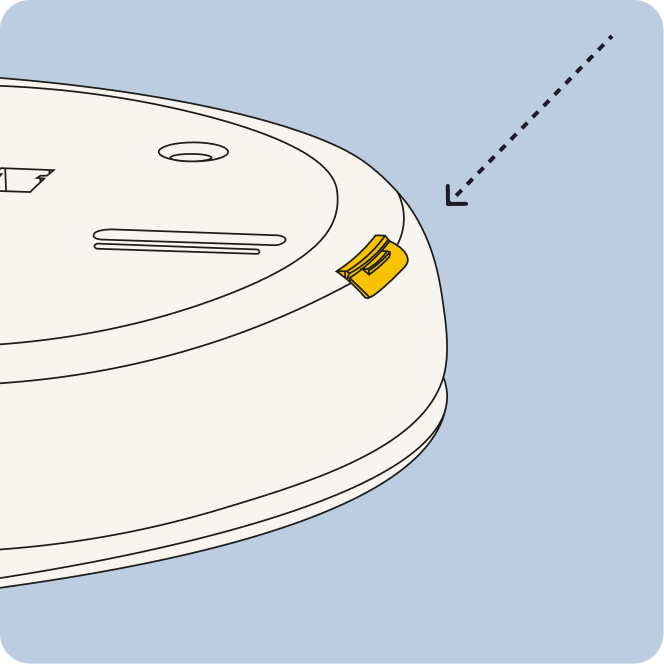
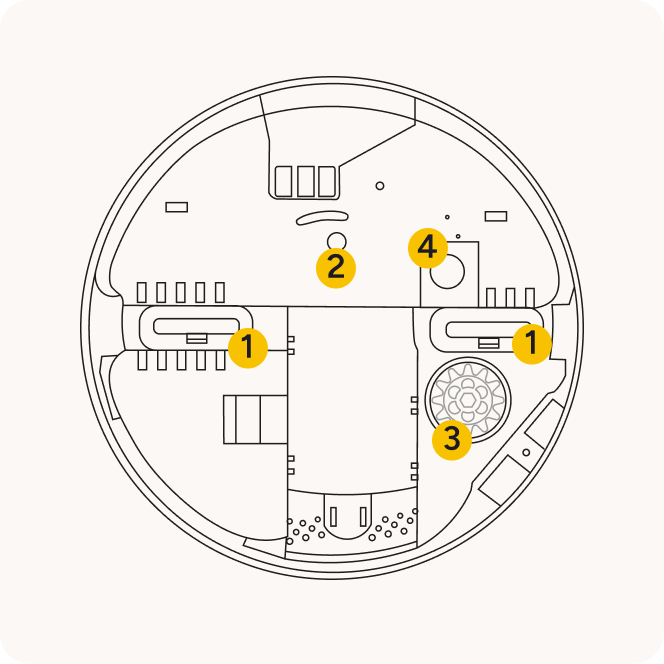

Do not touch the sensor lens (4). Keep it clean and unobstructed for best performance.
Device and tap the + icon to add a new device.If the lid is removed after this, or a large object obstructs the area below the sensor, tamper or motion alerts will be triggered.
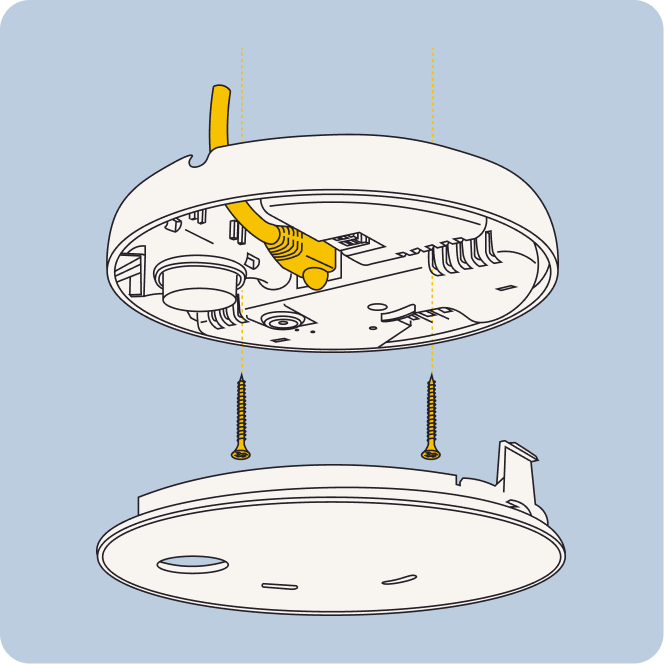
We recommend installing Minut in the area where people are likely to gather.
For apartment units, this may be the middle of the main living room area, communal hallways, or other areas where noise, smoking, and/or climate is a concern.



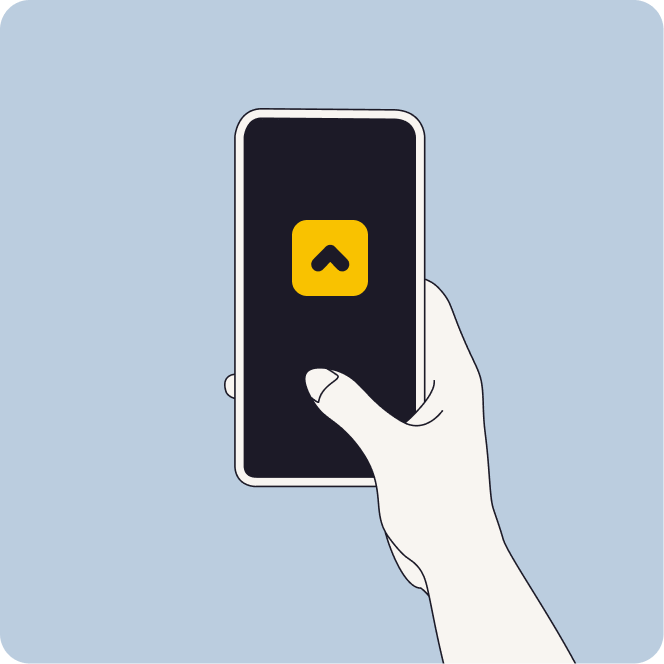
In the mobile app, go to the Units tab and select the unit you want to add your device to. Scroll down to the “Devices” section and press the + sign to add a new device.
The E1 sensor automatically turns on when connected to power.
You can power the device using USB-C, Power over Ethernet, or AC mains (installed by a qualified electrician).
Yes, you can power the device using a USB-C power adapter that provides 5V DC output with sufficient current (2A or higher recommended). Avoid low-power or non-certified chargers.
Ceiling mounting is recommended for the best detection performance.
If ceiling mounting isn't possible, then mount high on the wall with at least 11 in (30 cm) clearance from corners and other obstructions, such as tall furniture.
You can manage your plan in the My Account section of our web app. Navigate to the Plan, Billing & Payments tab, then scroll down and click on Change Plan.
You can update your wifi settings in the mobile app: