始める方法

インストールは 15 分以内で完了します。available here.

1。アプリをダウンロードする

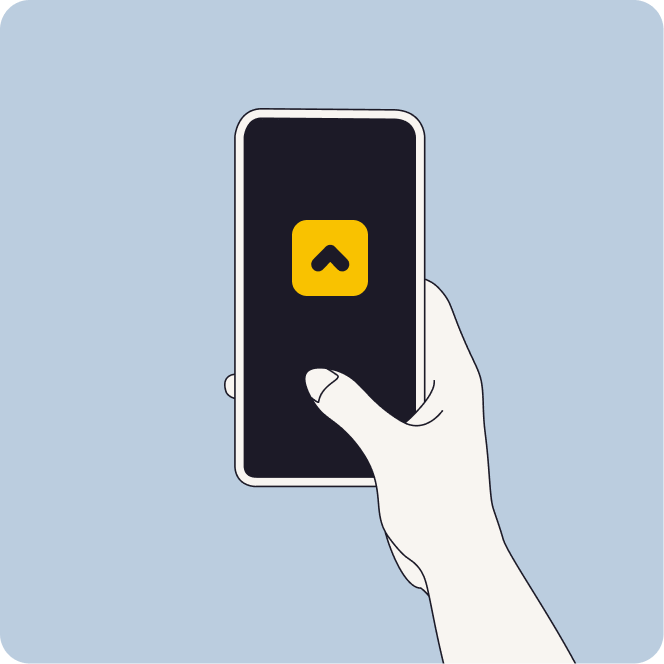
  • Google Play ストアまたは iOS アプリストアから Minut アプリをダウンロードします。
  • アプリを開いてアカウントを作成します。すでにアカウントをお持ちの場合は、Minut アプリを開いてログインしてください。
  • アプリの手順に従って最初のユニットを作成します。

センサーの設置場所がわかりませんか? ヒントについて。

Ensure they have Owner, Admin or Member level user access to the unit.

Start app

2。デバイスをインストールします。

Not sure where to install your sensor? Scroll down for device placement tips.

  • センサーの QR コードをスキャンします。
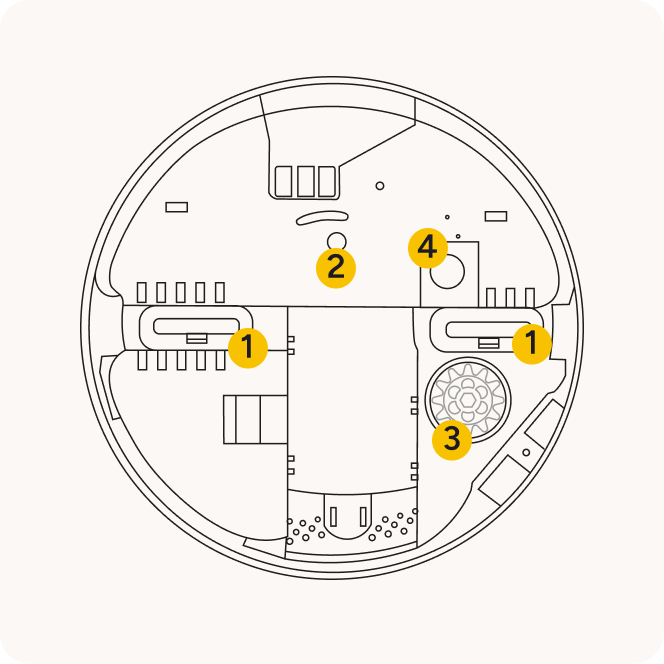
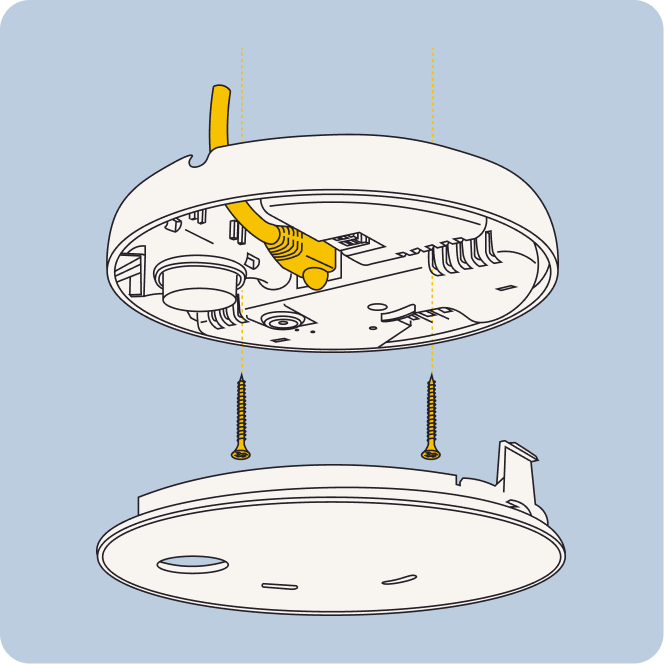
  • Plug in your cable(s) as per your configuration.
    The device requires continuous power and an internet connection (WiFi or Ethernet/PoE)
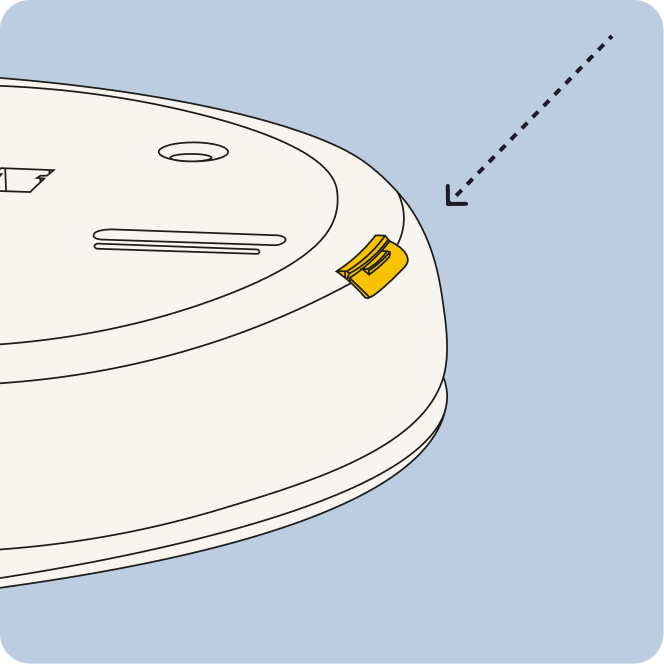
  • ステッカーを剥がしてセンサーに貼り付け、ボタンを覆わないようにします。次に、センサーを壁またはキャビネットに貼り付けます。
Diagram showing a connection between a square smart home hub and a rectangular device with a button, linked by a dotted line.

3。アプリの設定を完了してテストします。

  • アプリの設定を完了します。Device and tap the + icon to add a new device.
  • センサーをテストするには、ガラスに水を入れ、金属プローブをガラスに入れます。約 2 分間待つと、漏れの警告が表示されます。警告が表示されたら、プローブを水から取り出し、乾燥させます。Minut E1 Air & Noise Sensor to start installation. The app will automatically find the device if it is nearby or connected to the same network.
  • テストがすぐに機能しない場合は、15 分待ってからもう一度試してください。L1 漏水センサーと M2/M3 センサーの接続には最大 15 分かかる場合があります。

アプリのアラートは、センサーが水の検知を停止すると自動的に解決されます。

Line drawing of a vertical speaker with a circular center, connected by a cable to a rectangular device with a button at the bottom.

センサーはどこに設置すればよいですか?

Minut L1は、地下室やシンクの下など、水漏れが発生しやすい場所に設置することをお勧めします。金属製プローブが監視対象の表面に接触していることを確認します。

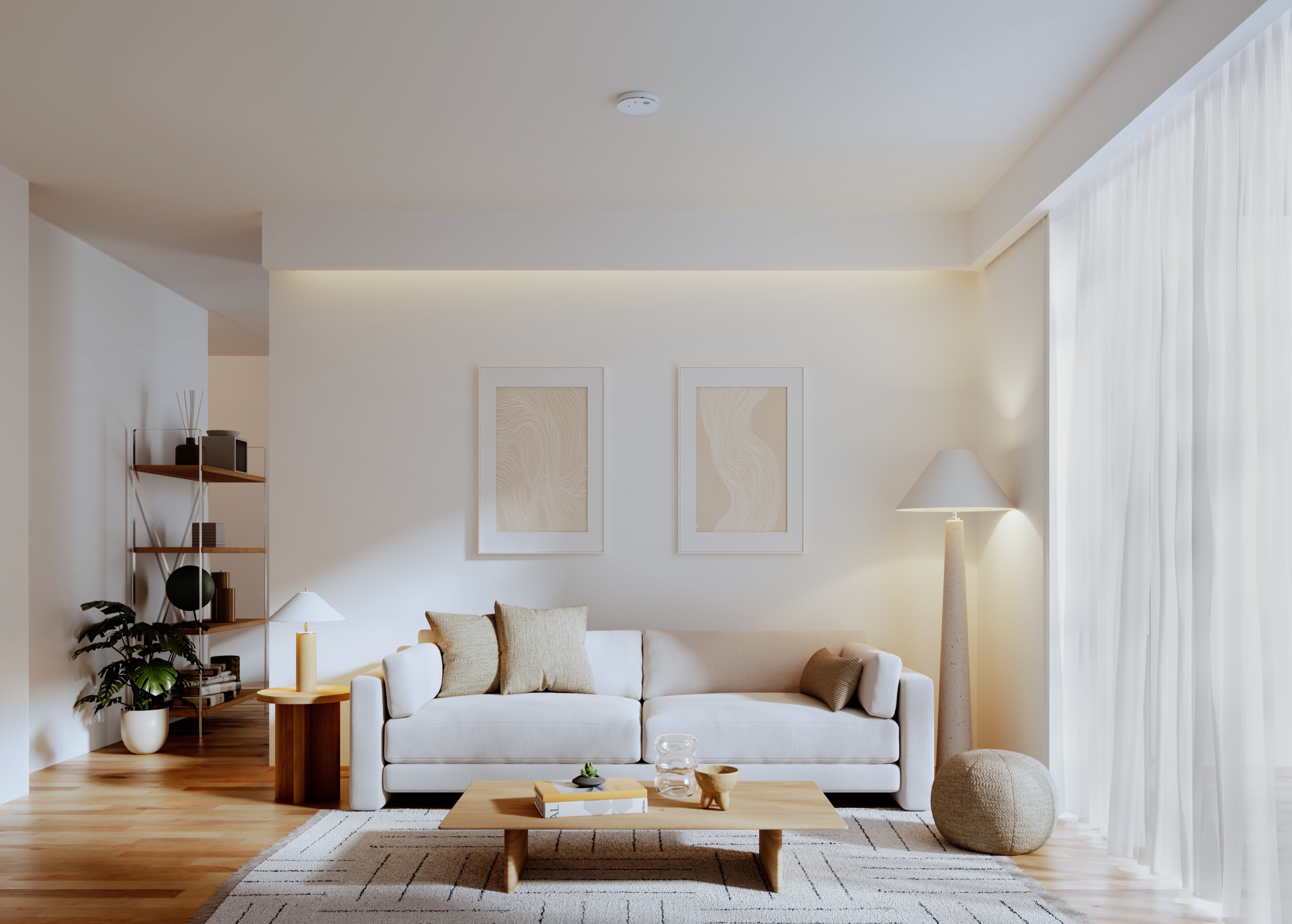
For apartment units, this may be the middle of the main living room area, communal hallways, or other areas where noise, smoking, and/or climate is a concern.

A Minut sensor installed underneath a pergula sitting outside

場所を選択する

Minut E1 requires a permanent power source (USB-C, AC Mains, or PoE) and network connection (wireless, LAN, or PoE).

The device can fit onto most standard junction boxes or it can be installed direct-to-structure.
Minut M2 または M3 センサーの図
Minut M2またはM3センサーから32フィート(10 m)以内に設置してください。
2 つの雨滴
漏れを検出するには金属プローブが水と接触する必要があるため、漏れが発生する可能性のある表面に触れていることを確認してください。
Two rain drops
Indoor use only. Do not install in bathrooms, porches or other areas exposed to condensation, water, direct sunlight.
Two rain drops
Do not place the device near sources of moving air, such as fans, vents, windows; do not place on top of furniture or near loud appliances.

よくあるご質問

既存の家に新しいデバイスを追加する方法を教えてください。

モバイルアプリで「ホーム」タブに移動し、デバイスを追加したいホームを選択します。「デバイス」セクションまでスクロールし、+ 記号を押して新しいデバイスを追加します。Units tab and select the unit you want to add your device to. Scroll down to the “Devices” section and press the + sign to add a new device.

センサーをオンにするにはどうすればいいですか?電源ボタンはどこにありますか?

センサーの背面にボタンがあります。ビープ音が聞こえるまで押してください。

You can power the device using USB-C, Power over Ethernet, or AC mains (installed by a qualified electrician).

アラームをインストールするには Bluetooth を使用する必要がありますか?

いいえ、センサーをインストールするのに Bluetooth は必要ありません。QR コードをスキャンするだけなので、Minut アプリに携帯電話のカメラの使用を許可してください。

If ceiling mounting isn't possible, then mount high on the wall with at least 11 in (30 cm) clearance from corners and other obstructions, such as furniture.

Minut L1 漏水センサーを単独で使用することはできますか?

いいえ、Minut L1漏水センサーが機能するには、Minut M2/M3ノイズ&占有センサーから32フィート(10 m)以内に設置する必要があります。

プランをアップグレードするにはどうすればいいですか?

でプランを管理できます マイアカウント 私たちのセクション ウェブアプリ。に移動します。 プラン、請求、支払い タブをクリックし、下にスクロールして [プランを変更] をクリックします。

Wi-Fi 設定を更新するにはどうすればいいですか?

モバイルアプリで M2 センサーと M3 センサーの Wi-Fi 設定を更新できます。

  1. Minut アプリを開き、[プロパティ] タブに移動します。
  2. Wi-Fi 設定を更新したいユニットを選択します。
  3. 「デバイス」セクションまでスクロールします。
  4. Wi-Fi 設定を更新したいMinutデバイスをタップします。
  5. [詳細設定] に移動し、[Wi-Fi 設定の更新] ボタンを押します。
  6. アプリの指示に従います。

マニュアルをダウンロードする