Between guest check-ins, last-minute maintenance, turnover cleanings, and tenant issues, the work never really stops. And for lean teams, staying on top of everything often means sacrificing time, sleep, or both.
But it doesn’t have to be that way. Smart automation has reached a point where it can handle the repetitive parts of your job without losing the human touch.
Whether you manage five units or five hundred, the right workflows can cut back your daily admin, prevent small problems from turning into bigger ones, and free you up to focus on higher-value tasks.
In this post, we’ll walk through 10 ways you can automate key parts of your property management operation We don’t want you to replace your team; we just want to give them back the time to focus on growing your business. From automated guest messaging to noise alerts that resolve themselves, read on for the best ways to reclaim your time with automation.
Why automate your property management workflows?
We’ve already given you the heads-up that we don’t believe automation is about replacing people. But when you automate the right parts of your operation, a few things happen fast:
You eliminate repetitive work: Guest messages, maintenance reminders, and check-in instructions don’t need to be rewritten or resent every time. One setup can handle it for you.
You reduce mistakes: Manual processes leave room for missed messages, double bookings, or forgotten check-outs. Automation makes things more consistent, especially across teams.
You improve the experience: Guests get faster responses, tenants get clear reminders, and vendors get scheduled without back-and-forth. It all feels smoother on the receiving end.
You protect your team: When everything feels urgent, burnout follows. Automating simple workflows gives your team a buffer and lets them focus on what really needs a person involved.
You stay in control: With smart solutions, you can monitor what’s happening without having to be there. That’s especially useful when you’re managing multiple locations or working with a remote team.
10 workflow automations every property manager should consider
Guest and tenant communication
1. Automated check-in instructions
Set up scheduled messages that send access codes, Wi-Fi info, and check-in details automatically. Most PMS tools allow you to trigger these based on booking or arrival time.
Timing matters. Send one message 24 hours before arrival, then a short reminder on the day. This reduces guest anxiety and cuts down on repetitive questions your team shouldn’t have to answer twice.
2. Check-out reminders and review requests
A message the night before check-out helps avoid early cleaner arrivals and late guest departures. Follow it up with a short review request while the stay is still fresh.
Automating this flow protects your turnover schedule and increases your chances of getting a useful review (without needing a team member to chase it manually).
Monitoring and alerts
3. Smart noise monitoring
Noise is one of the fastest ways to lose trust with neighbors, building partners, or guests in adjoining units. Devices like Minut monitor noise levels in real-time and act before it becomes a problem.
Minut enables you to set a noise threshold, and when that level is crossed for a sustained period, the system sends a polite message to the guest. 94% of the time, that’s enough to resolve the issue. It’s faster, quieter, and more effective than waiting for a complaint, and it gives your team time back, especially outside working hours.
4. Occupancy detection
Overcrowding and unapproved guests lead to wear and tear, strained utilities, and unhappy neighbors. Minut detects changes in motion and crowding that suggest the unit is being used by more people than booked. Rather than manually visiting a unit or property, your Minut device will automatically let you know, so there’s no reason to waste extra time or money on-site.
5. Temperature monitoring for HVAC
Heating or cooling an empty unit burns through money. With real-time temperature data, you can keep an eye on extreme temperatures and mold risks, integrate your HVAC system, and automate adjustments based on occupancy or set thresholds. These small changes will help reduce energy waste and keeps rooms comfortable without constant manual input.
Minut in action: How Berlin Apartments used proactive temperature monitoring to improve guest satisfaction
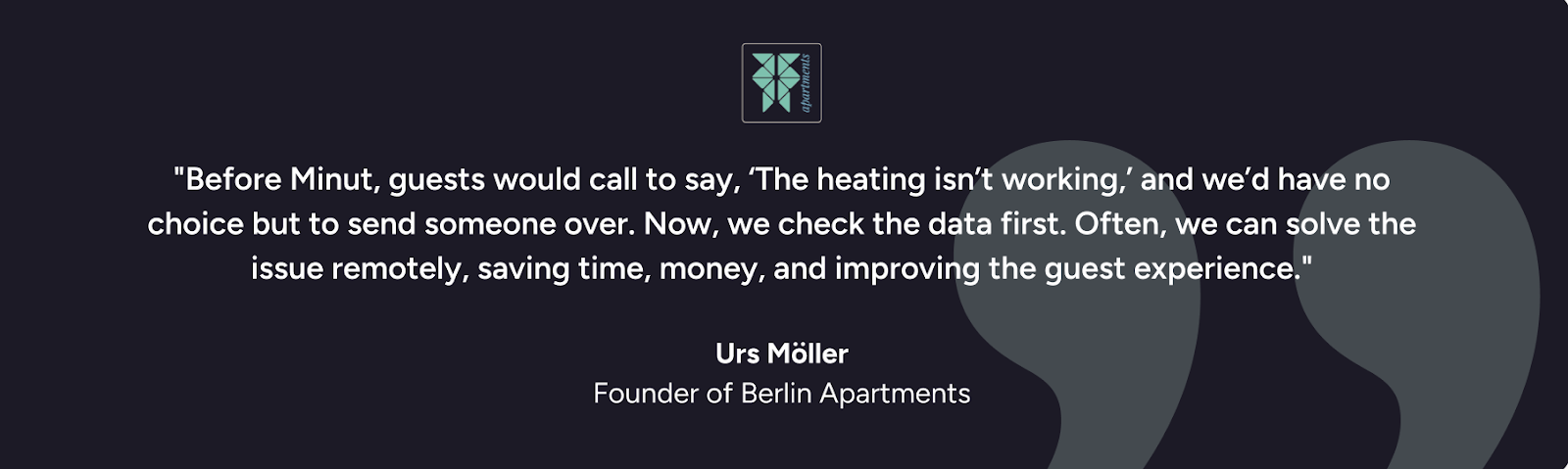
Guests at Berlin Apartments sometimes reported heating issues, but without real-time data, the team had to send staff to investigate. Many of these visits turned out to be unnecessary, costing time and delaying resolution.
However, with Minut’s Indoor Climate feature, the team can now check temperature data remotely and often resolve issues without a site visit.
The fastest way to lose time is by chasing vague maintenance requests. Instead, create a simple form tenants or guests can fill out, and link to it with a QR code posted in the unit or lobby. That form can feed directly into your task management system.
This cuts down on unclear messages and helps your team prioritize issues without playing phone tag. It also gives guests a frictionless way to report problems without needing to track someone down.
7. Vendor dispatch automations
Once a maintenance issue is logged, tools like Lessen or UpKeep can automatically assign and schedule the right vendor based on location, task type, or urgency. You don’t need to call around, follow up manually, or coordinate by email.
It also makes it easier to track resolution time and vendor performance across your portfolio, which helps you stay ahead of recurring issues.
8. Preventative maintenance schedules
Reactive maintenance is expensive. A loose shower head or clogged vent might not seem urgent, but left alone, it can lead to damage or downtime. That’s why the best operators schedule preventative tasks in advance.
Use your PMS or ops platform to set recurring checklists for HVAC checks, filter changes, appliance testing, and deep cleans. Automating this helps avoid surprises and spreads the cost more evenly across the year.
Admin and compliance
9. Security deposit tracking
Use your PMS or accounting tool to track when deposits are collected, held, and due for release. Build in triggers for automated reminders or status updates. This ensures no one forgets and will help prevent disputes down the line. Automation here protects both the guest experience and your team’s time.
10. Monthly owner statements and reports
If you manage properties for others, reporting shouldn’t be a manual lift. Most platforms allow you to generate branded reports on occupancy, income, and expenses, and send them automatically each month.
This gives owners the transparency they want and gives you back hours you'd otherwise spend pulling data and formatting PDFs.
Getting started with automation
You don’t need to automate everything at once. The best place to start is with the parts of your day that feel the most repetitive or time-sensitive: guest check-in messages, noise monitoring, or maintenance requests.
Choose one or two workflows from the list above and look for tools that fit into your existing systems. Most property management software will already includes automation features for you to choose from.
And remember, once a process is automated, it stays that way. And each hour you save today frees up time again tomorrow.
What to look for in an automation tool
Not all tools are built for operators. The best ones stay out of the way, work quietly in the background, and make your job easier without requiring a steep learning curve. A few things to check before you commit:
Integrations that fit your workflow: Does it work with the tools you already use?
Clear UX for your team: Will your staff know how to use it without training?
Smart triggers: Can it respond to real behavior, not just static rules? Guest-friendly design: Does it protect privacy and reduce friction?
Scalability: Will it still work when you add more units or team members?
The right automation tool shouldn’t feel like more software. It should feel like one less thing to worry about.
Make time for the work that matters
Running a property management operation means juggling a lot, and doing it well depends on how much time and headspace you can free up. Smart automation enables you to make space for the work that actually needs your attention.
The best part is, you don’t need to overhaul your entire system to see the benefit. Even one or two simple automations can take real pressure off your team and improve the guest experience in the process.
If you're ready to remove some of the daily friction from your workflow, solutions like Minut can help. Whether it’s preventing noise complaints, spotting overstays, or managing guest comfort remotely, Minut’s automation keeps you proactive, giving you more time to focus on what’s next.








.jpg)